 Retyla
RETYLA PRODUCT GUIDE
Beard & moustache
Explore lengths and shapes adapted to your face and visible beard growth.
How to start
- Choose your photo
Use the camera or select an image you have permission to edit.
- Make it your own
Choose the beard or moustache style and length. Use a photo where the jawline and upper lip are visible.
- Compare and save
Review the result with the original, then save the version you want.
Compare and save
Check hair direction, texture and edges around the lips, cheeks and jaw.
What to keep in mind
Generation needs a connection, Pro access and available generation allowance. Our algorithm aims to retain recognisable identity, but generated details can vary; compare the face and selected accessories before saving.
Based on the controls and processing flows in the app. Illustrative previews are labelled; no independent benchmark or guaranteed result is implied. How we describe our features

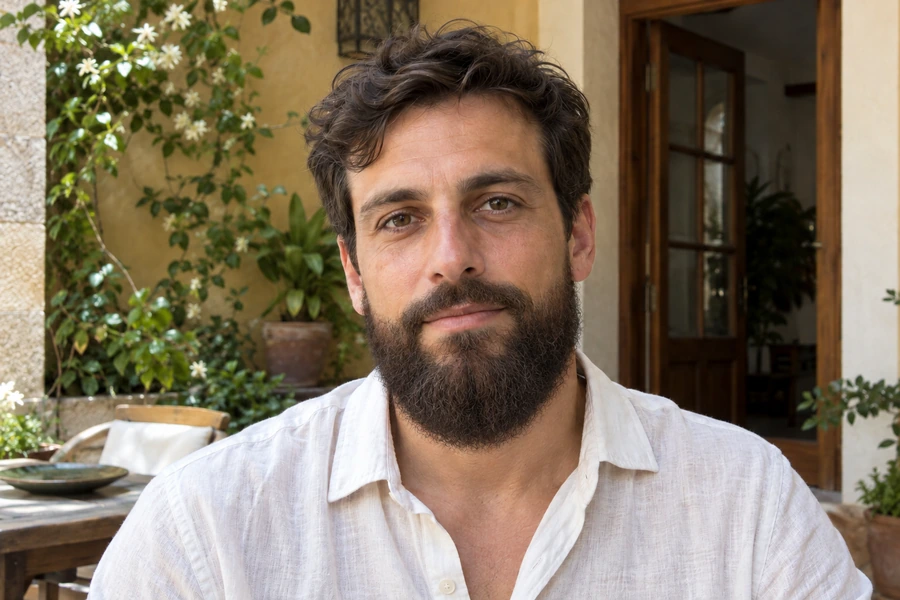
These illustrative examples show a feature. Results depend on the source photo and your settings.