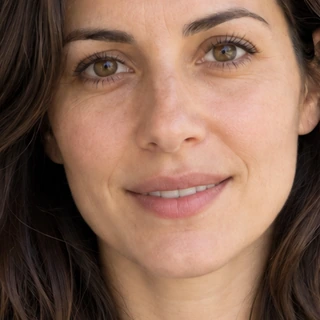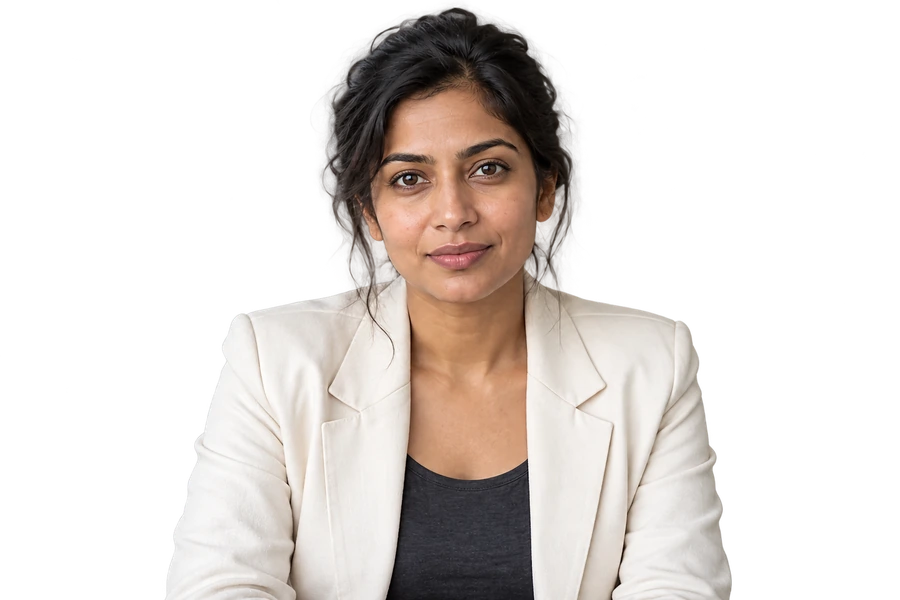














PHOTO EDITING, WITH ROOM TO BE YOURSELF

Your photo.A new possibility.

Bring a memory into focus. Find a hair colour you love. Explore a new look — all in one app, with your own photo at the centre.

For iPhone and Android · Available in 20 languages

Original
Edited
EditedOriginal
Illustrative previewDrag to compare

FIND YOUR STARTING POINT

What would you like to change?

Choose a goal to see the relevant controls, photo tips and guide. Editing takes place in the mobile app.

Photo editing: choose the right change for your photo

Choose photo improvement for clarity, colour or pose; use styling tools for hair, glasses and expressions; use local controls for adjustable makeup, proportions and accessories. Start with the result you want.

Read the practical guide


THE DETAILS, YOUR WAY

Small details. More ways to make it yours.

Makeup, face and body proportions, skin finishes and creative accessories: explore the adjustable details available in Retyla.

THE DETAILS, YOUR WAY

Face & nose proportions

Adjust face width, jaw, chin, cheekbones, forehead and individual nose details.

  • Face width
  • Jaw width
  • Chin tip
  • Cheekbones
See all optionsShow fewer
  • Face shape
  • Face width
  • V jaw
  • Jaw width
  • Chin tip
  • Chin length
  • Cheekbones
  • Forehead
  • Temples
  • Nose size
  • Nose bridge
  • Nose tip
  • Nose tip lift
  • Nostrils
  • Nose · Styles

Available options vary by platform and the visible areas in your photo. These are visual edits, not medical, fitness or weight-loss results.

PHOTO IMPROVEMENT

Give a favourite photo another chance.

Our algorithm uses the visible detail in your photo to guide clarity, colour and pose edits. Choose the change you need and compare the result with your original.

Photo guide
Original
Edited
EditedOriginal
Illustrative previewDrag to compare

These illustrative examples show a feature. Results depend on the source photo and your settings.

STORY LOOKS

See a look. Make it yours.

Choose a reference look and upload your photo. Our algorithm uses the reference for the selected style and your photo for identity, adapting makeup and hair to your own features.

The collection can change. Current looks and availability are shown in the app.

One photo. Three different looks.

Original
Original
Edited · Copper curls

These illustrative examples show a feature. Results depend on the source photo and your settings.

TOOLS

Find the right tool for your photo.

Explore photo analysis, lighting, colour, backgrounds and finishing touches. Select a tool to see how it works in the app.

On-device processing

My Colors

Get a personal palette from skin tone, undertone, contrast and eye colour. Hair is read separately; use the camera to compare a dress colour with your palette.

Skin toneUndertoneContrastEye colour
Illustrative preview
Example result

Personal palette

An example of the colour groups shown after a photo analysis.

Your best colours

Skin tone, undertone, contrast and eye colour guide the palette.

Check a dress colour with the camera

A SIMPLE START

One photo. Your choices.

  1. 01

    Choose your photo

    Use the camera or select an image you have permission to edit.

  2. 02

    Make it your own

    Pick a studio, a look or an improvement. Adjust the available options.

  3. 03

    Compare and save

    Review the result with the original, then save the version you want.

KNOW WHERE YOUR PHOTO GOES

Clear choices. Clear privacy.

Photo improvement, Stories, AI Studio and AI object removal send the chosen photo to the server for processing. AI removal can also send a selection mask or written request. Analysis tools, quick removal and other local edits process photos on the device. This website does not upload or edit your photos.

Original uploads for generation are scheduled for deletion after 24 hours. Saved results remain until you delete them. Retyla does not use your photos to train models. Read the privacy policy for provider processing and retention details.

Privacy policy

HOW OUR ALGORITHM WORKS

The edit starts with your photo.

Your original photo, your selected settings and any style reference guide the result. Different tools handle styling, restoration and local visual adjustments in different ways.

Original
Original

Your photo guides identity

For generative styling, our algorithm treats your photo as the identity reference. Hair and accessory references guide the selected look, without supplying another person’s face.

RETYLA PRODUCT GUIDE

Photo guide

Practical answers for different photographs: clearer detail, styling, natural-looking touch-ups and creative effects.

FAQ

A few things worth knowing.

Can I edit a photo on this website?

Editing happens in the Retyla mobile app. This website shows the features, examples, guides and support information.

How does Retyla approach facial identity?

Our algorithm uses your photo as the identity reference and aims to retain recognisable facial features, age and skin tone. Hair, glasses and makeup references guide the chosen change, rather than supplying another face. Expression and shape controls intentionally change selected areas. Generated details can still vary, so compare the result with your original.

Can I compare my photo before saving?

Yes. Review your edit alongside the original and save the version you want. Keep the original when restoring an important memory.

Can I upload a reference?

Hair supports a style, a colour or both from a reference. Glasses accepts your own frame photo, and Your best look accepts a background. Available controls are shown in each studio.

Can a damaged or blurred photo always be restored?

Our algorithm can reconstruct plausible detail or colour when information is missing. It cannot establish the original colour, expression or a missing facial feature with certainty. Keep the original and check important details before saving.

Does every feature upload my photo?

No. Generative edits and AI object removal upload the selected photo; AI removal may include a mask or written request. My Colors, Best Angle, Skin Analysis, quick object removal and the other local visual tools process photos on the device. Availability and access rules vary by tool and device.

Retyla

MADE FOR YOUR PHONE

Your next edit starts here.

Explore Retyla on iPhone and Android. Store links will appear here when the listings are published.

Try this in Retyla
iPhone & iPadApp Store

Store listing coming soon