 Retyla
RETYLA PRODUCT GUIDE
Adjust body proportions in a photograph with local controls
Explore shoulder, arm, waist, abdomen, hip and leg controls, plus full-body styles and skin finishes. Our on-device algorithm applies visual changes to the visible body areas in your photograph.
Choose a photograph where the area you want to adjust is visible. Start with one region, then compare the whole silhouette, clothing edges and the surrounding background. Manual controls and presets serve different needs. Small adjustments can be easier to judge than several strong changes at once. Check limbs, posture and background lines before exporting.
How to start
- Show the area you want to adjust
Choose a photo with the relevant shoulders, arms, waist, abdomen, hips or legs visible. A cropped or covered region offers less useful context.
- Begin with one region
Use a manual control for a specific proportion or a preset for a broader visual style. Small changes are easier to evaluate before combining several regions.
- Review the complete silhouette
Compare clothing seams, limb connections, posture and nearby straight lines. Look at the whole figure before saving, even when only one region was adjusted.
Compare and save
- Check waist and hip transitions against the original.
- Inspect hands, knees and other joint connections.
- Look for curved clothing seams or distorted background lines.
What to keep in mind
Body editing changes the appearance of a photograph. It does not represent actual weight loss, muscle gain, physical measurements or health outcomes. Available controls depend on the photo and platform.
Based on the controls and processing flows in the app. Illustrative previews are labelled; no independent benchmark or guaranteed result is implied. How we describe our features
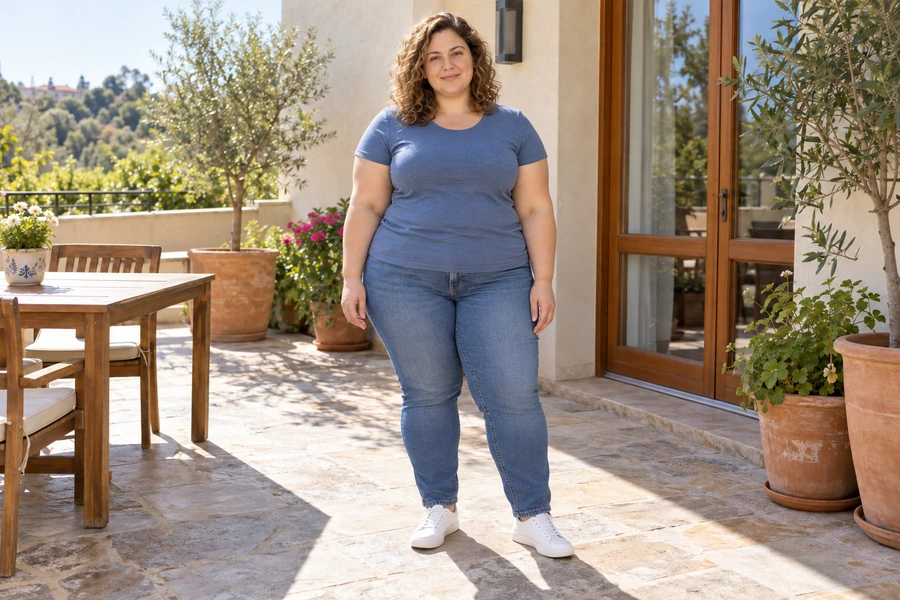
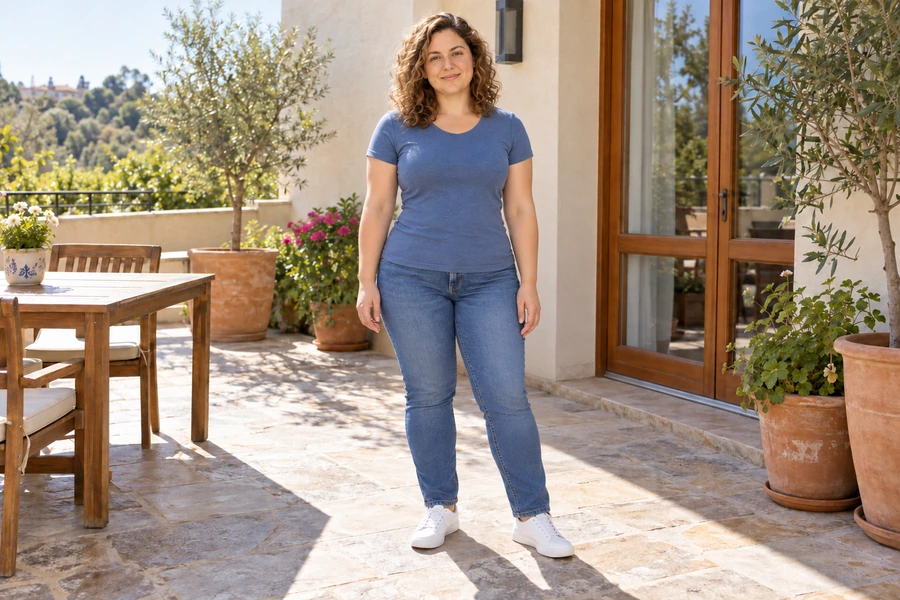
These illustrative examples show a feature. Results depend on the source photo and your settings.
A few things worth knowing.
Does a body edit show real weight loss or muscle gain?
No. It changes the visual appearance of the photograph. It is not a physical measurement, a fitness result or evidence of a health change.
What if the surroundings look distorted?
Reduce the adjustment and inspect the whole silhouette again. Avoid keeping a strong proportion change when nearby lines or clothing no longer look coherent.