 Retyla
RETYLA PRODUCT GUIDE
Retouch skin and makeup while keeping a natural-looking finish
Use adjustable local controls for foundation, smoothing, tone, blush, contour or highlighting. Our algorithm applies the selected visual effect to visible areas, while you choose its strength.
Start with even lighting and visible skin. Adjust tone and smoothing separately, then add colour where needed. Review cheeks, the nose, forehead and the boundary around lips and eyes. Preserve a finish that suits the original lighting instead of maximising every effect. Eyeliner, waterline, lip liner and gloss have different purposes; the detailed catalogue shows available controls and platform differences.
How to start
- Read the original light
Start with visible skin and even lighting. A hard shadow, existing makeup or blur can hide texture and change how a cosmetic adjustment appears.
- Build a restrained finish
Adjust tone and smoothing separately, then add foundation, blush, contour or highlight only where wanted. Keep intensity consistent with the source rather than maximising every control.
- Inspect colour transitions
Check cheeks, forehead, nose and the borders around lips and eyes. Review whether blush blends into the skin and whether texture remains natural-looking.
Compare and save
- Check makeup boundaries rather than just the centre of the face.
- Keep skin tone coherent with the neck and visible body.
- Reduce smoothing when it removes useful natural texture.
What to keep in mind
A photo can hide detail under blur, heavy makeup or harsh shadows. Skin retouch is cosmetic editing, not diagnosis or treatment. If a placement looks wrong, reduce the effect or choose a clearer photo.
Based on the controls and processing flows in the app. Illustrative previews are labelled; no independent benchmark or guaranteed result is implied. How we describe our features
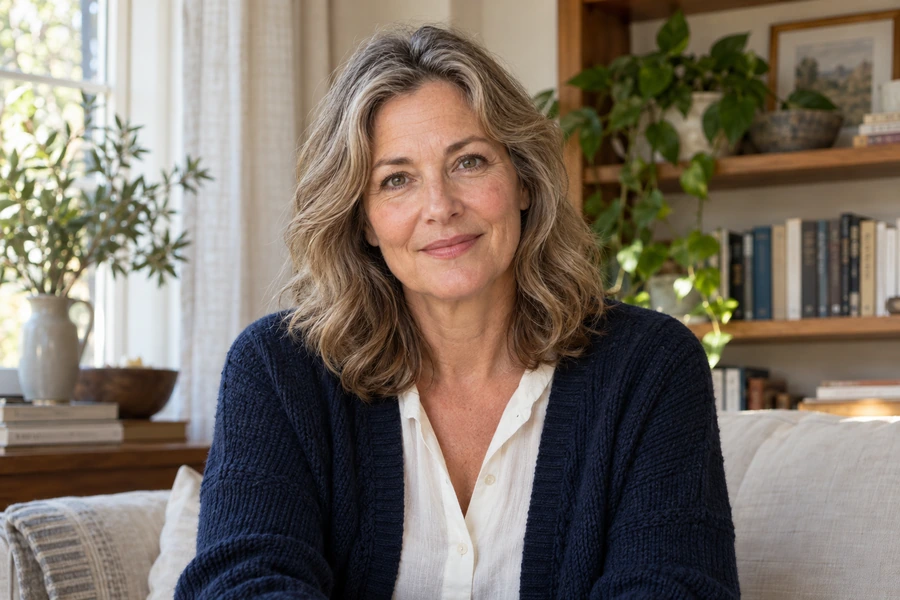
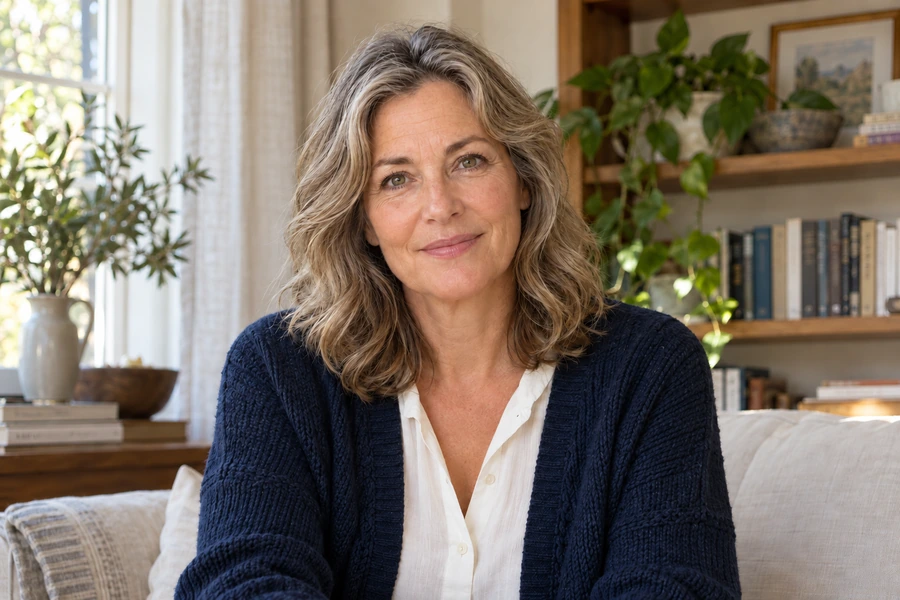
These illustrative examples show a feature. Results depend on the source photo and your settings.
A few things worth knowing.
Why can blush or foundation look misplaced?
Source lighting, face angle and obscured areas affect placement. Reduce the effect and inspect a clearer photo before combining further adjustments.
Can skin retouch assess a skin condition?
No. These controls change cosmetic appearance in a photograph. They are not diagnosis, treatment or an assessment of skin health.