 Retyla
RETYLA PRODUCT GUIDE
Photo editing: choose the right change for your photo
Choose photo improvement for clarity, colour or pose; use styling tools for hair, glasses and expressions; use local controls for adjustable makeup, proportions and accessories. Start with the result you want.
Our algorithm uses your original photo and the settings you choose to guide each workflow. A blurred photograph may need detail improvement without changing its style. A clear portrait may only need a different hair colour or frame. Local controls preview adjustable visual layers on your device; generative edits send the selected photo for server processing.
How to start
- Identify the problem
Decide whether the photo needs clearer detail, colour or a different pose. Hair, glasses and makeup are styling choices; they solve a different problem from blur or print damage.
- Choose a focused workflow
Open photo improvement for restoration or a styling tool for an intentional look change. Begin with the best source you have and keep the original separately.
- Judge the selected change
Compare the result at the same viewing size. Check the part you intended to change, then examine the face and surrounding scene before saving.
Compare and save
- Clarity: inspect eyes, lettering and fine edges.
- Colour: inspect skin, clothing and light together.
- Pose: inspect eyes, hands and body alignment.
What to keep in mind
Reconstructed texture, colour or expression can differ from the original scene. Keep your original, compare the important details, and choose only the edit that fits your purpose.
Based on the controls and processing flows in the app. Illustrative previews are labelled; no independent benchmark or guaranteed result is implied. How we describe our features
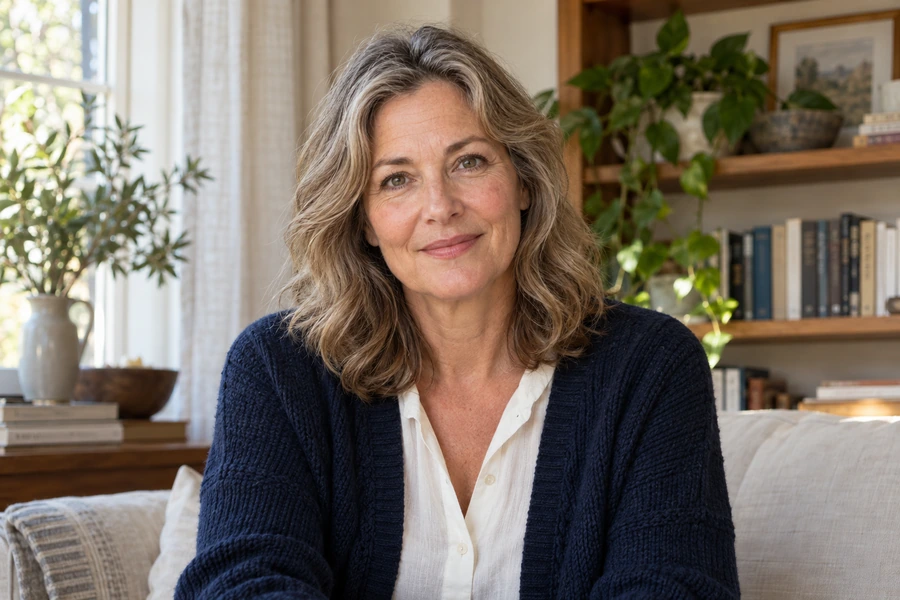
These illustrative examples show a feature. Results depend on the source photo and your settings.
A few things worth knowing.
Should I improve every setting at once?
Start with the change you need. Several deliberate style or pose changes make it harder to tell which result fits your purpose.
Can I use the same photo for styling?
Yes, when the relevant area is visible. A hair reference needs visible hair; glasses need a clear face. A heavily blurred source offers less reliable detail.