 Retyla
RETYLA PRODUCT GUIDE
Adjust facial details with local visual controls
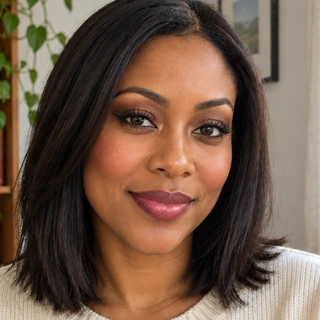
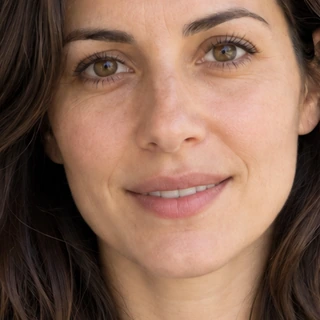
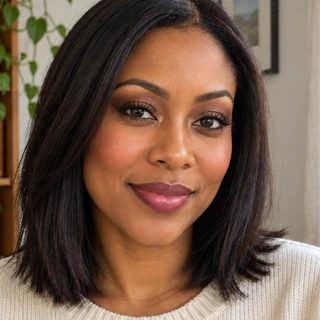
Makeup, skin, eyes, brows and facial proportions can be adjusted with local controls. Our on-device algorithm renders the selected visual changes on your photo so you can tune their strength and compare the original.
Choose one change at a time and use an intensity that fits the photograph. Makeup changes pigment and finish; shape controls intentionally change the selected proportions. A hidden ear, covered brow or strongly turned face can limit placement. Body and party controls use their own visible regions. The detailed catalogue identifies options that differ between platforms.
How to start
- Start with a visible face
Choose a photo with the area you want to edit unobstructed. Strong face rotation, a covered brow or a hidden ear can make placement harder to judge.
- Adjust one control at a time
Choose the relevant local control and tune its strength. Makeup changes pigment and finish; shape controls intentionally change selected proportions, so evaluate them separately.
- Review borders and balance
Compare the original and check both sides of the face where visible. Reduce a misplaced or overly strong effect before adding another adjustment.
Compare and save
- Check lash placement, brow shape and lip boundaries.
- Match makeup strength to the source lighting.
- Confirm the chosen option is available on your platform.
What to keep in mind
These are visual photo edits. Cosmetic skin controls do not diagnose conditions, and body proportions do not measure health, fitness or weight loss. Generative styling is a separate server workflow.
Based on the controls and processing flows in the app. Illustrative previews are labelled; no independent benchmark or guaranteed result is implied. How we describe our features
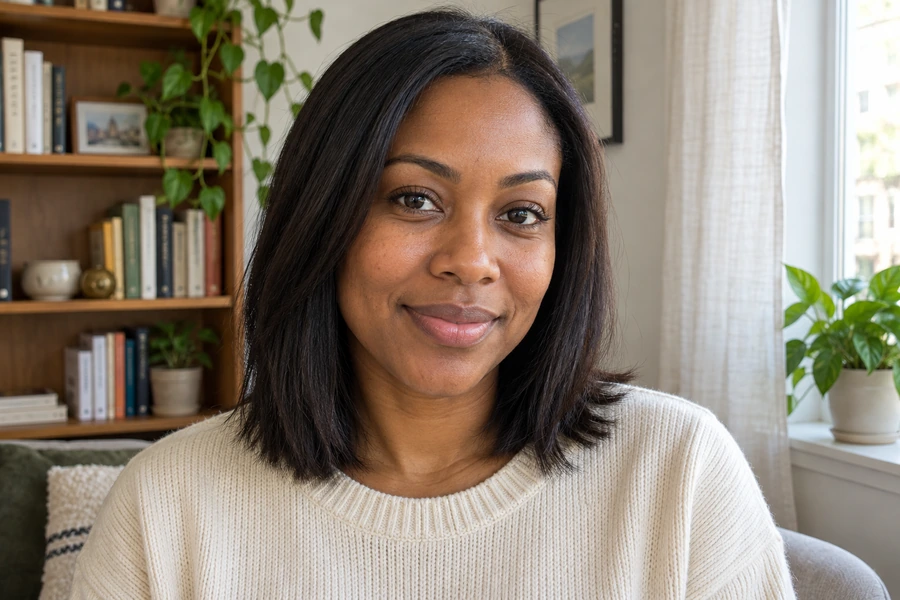
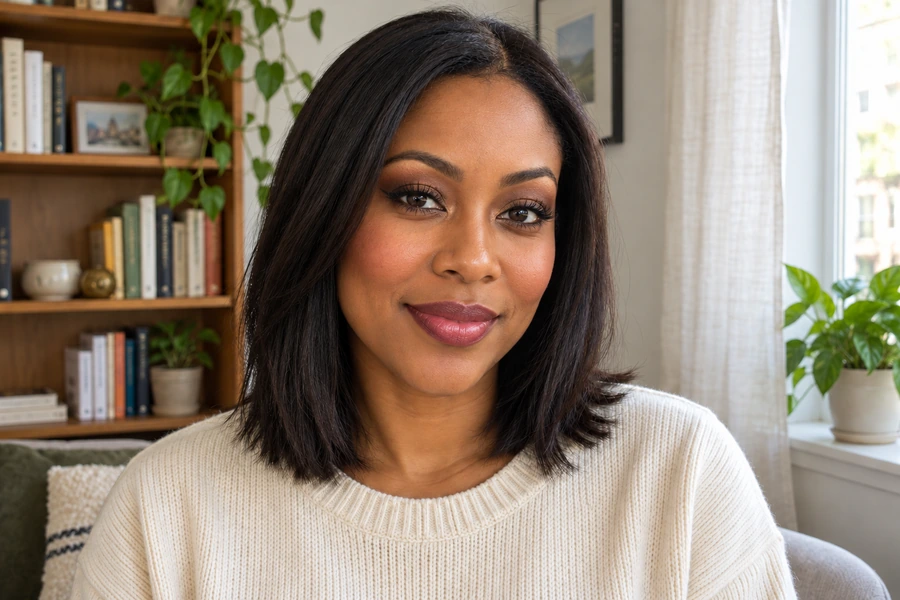
These illustrative examples show a feature. Results depend on the source photo and your settings.
A few things worth knowing.
What if an accessory appears outside its intended area?
Reduce or remove that effect and choose a clearer view of the relevant area. A covered ear or strongly turned face provides less placement information.
Are these controls the same as generative styling?
No. Local controls render adjustable visual changes on the device. Generative styling sends the selected image for a separate server workflow.